- What hardware inspired it?
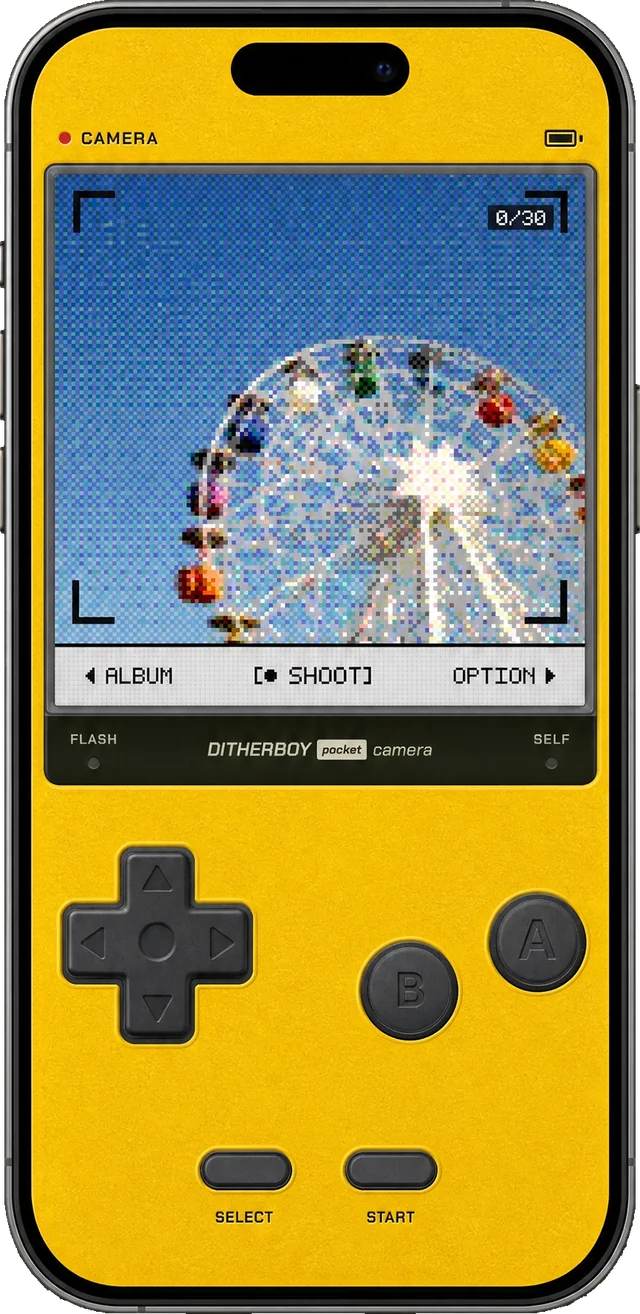
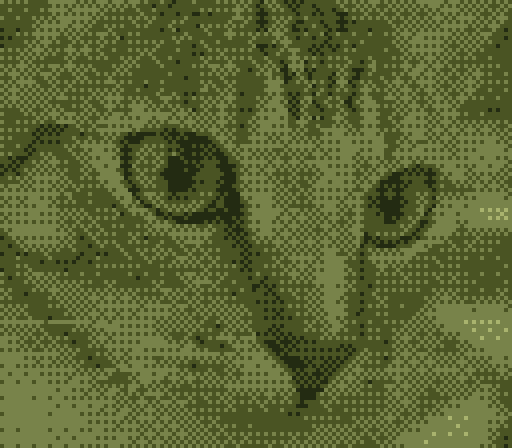
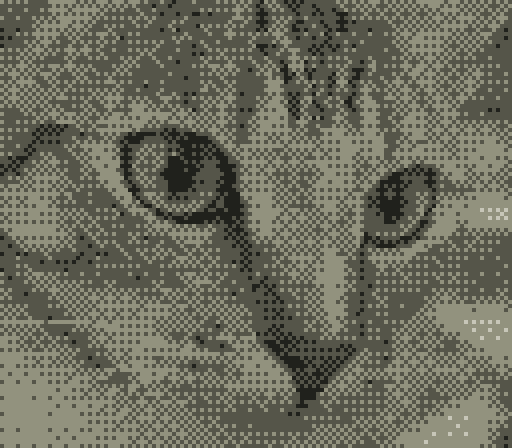
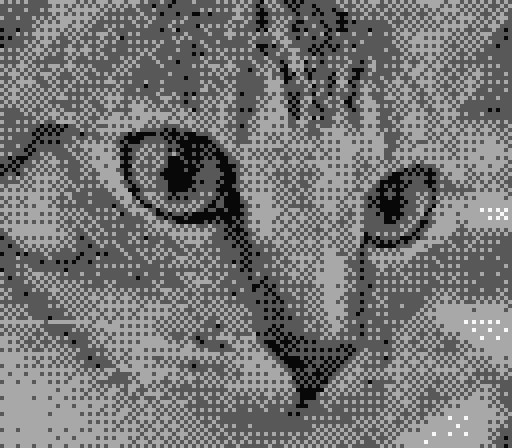
- The way the Game Boy Pocket Camera took pictures back in 1998: a 128×112 sensor, a dither down to four levels of brightness, and photographs collected onto cartridges. DitherBoy is an independent app. It is not affiliated with, endorsed by, or connected to Nintendo or any other hardware manufacturer.
- How is this different from a photo filter?
- A filter is an effect laid over a picture you already took. In DitherBoy the viewfinder is dots before you press the shutter, so what you saw is what gets saved. There is nothing to predict, and you end up composing for the dots.
- Where do the photos go?
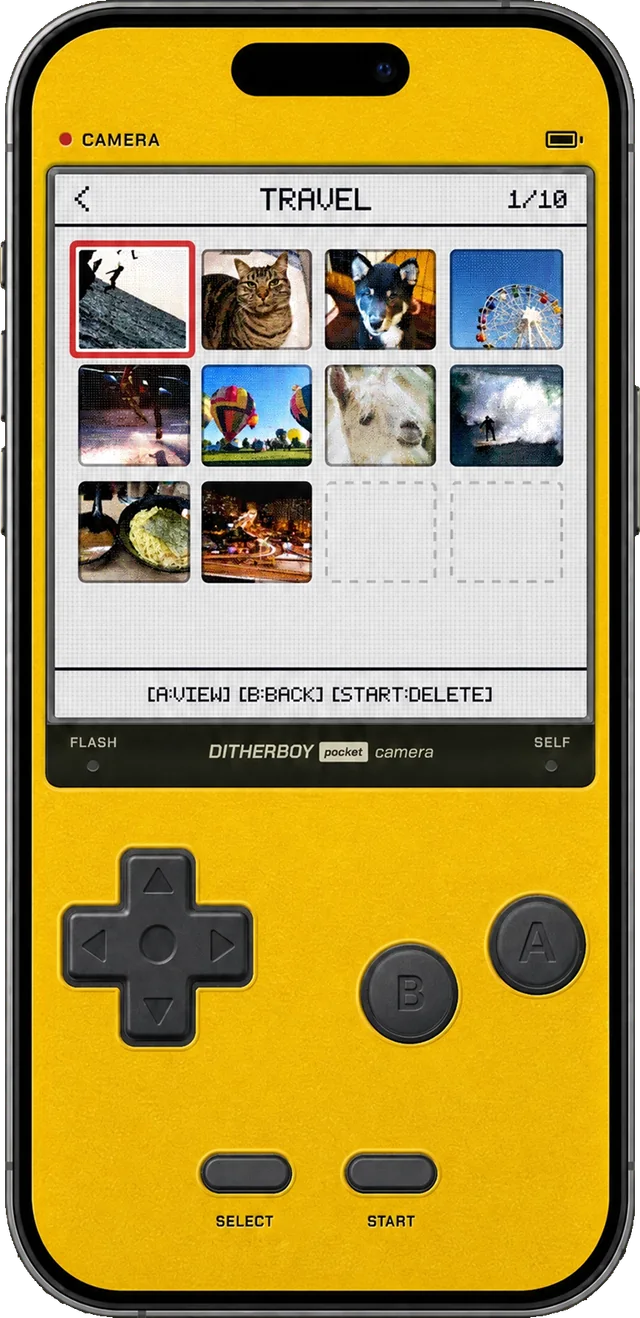
- Into cartridges inside the app, and out to your photo library whenever you want. Exports are written at 1024×896 — the native dots enlarged eightfold — so posting one keeps the pixels hard-edged instead of smearing them.
- Do photos get a watermark or a date stamp?
- No watermark, ever. The date stamp is an option: switched on, the date is set into the photograph in dots, the way a film camera printed it; switched off, nothing is added at all.
- Why only 30 shots to a cartridge?
- Because a roll of film ran out and you changed it — and thirty is the original hardware’s capacity besides. Rather than shooting freely and choosing later, you find yourself spending frames one at a time, and that rhythm is half of what makes the app fun.
- Does it need an internet connection?
- No. Shooting and saving both happen on the device, and the app never talks to a server. It behaves identically in aeroplane mode, and your photos never leave the phone.
- Is it black and white only?
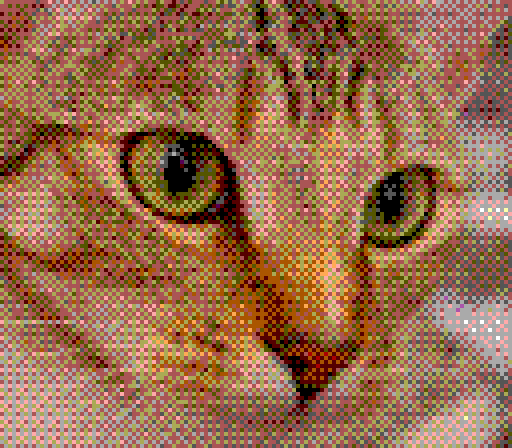
- No. One of the four palettes is colour: R, G and B are dithered separately into a 64-colour lattice, so the dot texture survives but the colour comes through.
- Can it shoot selfies, and is there a flash?
- Both. It flips to the front camera for selfies and lights the torch for dark rooms — and the front camera drops to dots exactly the way the back one does.
- Is the resolution not very low?
- You can choose between 128×112 and 256×224. It is low by any modern standard, and that low resolution is the picture the app exists to make. For a sharp photograph, the built-in camera is the better tool.
- Does it work on iPad?
- iPhone only — there is no iPad version — and it needs iOS 17.0 or later.
- Is there an Android version?
- No. It is built around the iPhone’s camera, and it stays iPhone-only.
- What does it cost?
- $1.99, paid once. No subscription, no in-app purchases, no advertising.